Power Platform delivery
Modern business apps and automations built around your operations.
PowerOps helps teams replace spreadsheets, manual emails and repetitive processes with clean Power Apps, Power Automate flows and a client portal that keeps delivery transparent.
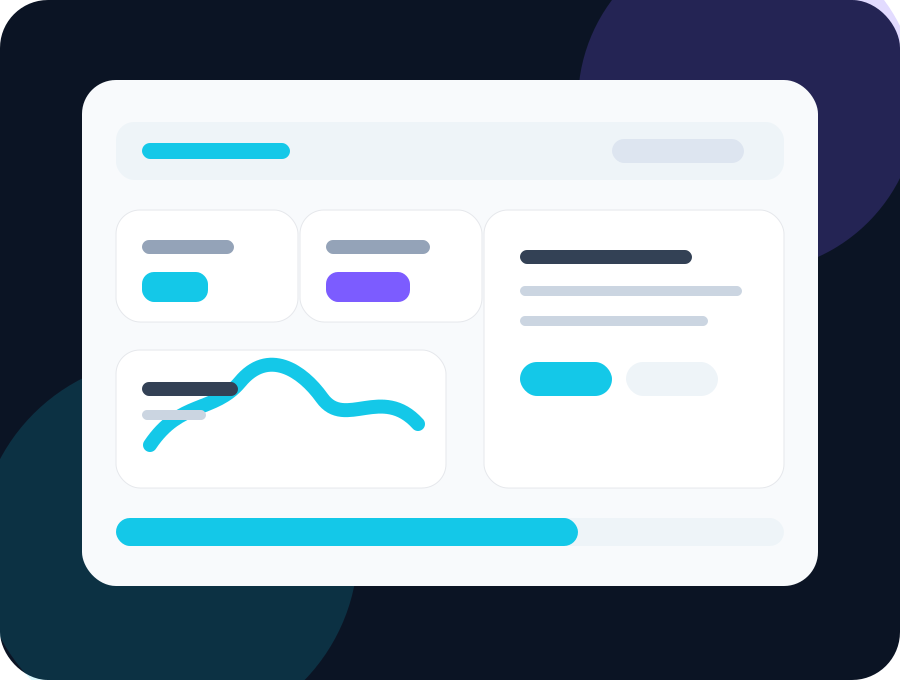
Services
What PowerOps builds
Practical Power Platform solutions that are designed around the real workflow, not just the technology.
01
Power Apps Canvas Apps
Custom apps for data capture, approvals, dashboards, checklists, inspections, requests and internal business tools.
02
Power Automate Flows
Automate emails, approvals, reminders, document routing, scheduled jobs and repetitive admin work.
03
Client Delivery Portal
Submit projects, receive quotes, accept or decline offers, add requirements and track delivery progress.
Workflow
From request to quote to delivery.
Every project starts with a clear request. PowerOps reviews the scope, sends a quote, and once approved, moves the project through delivery, UAT and go-live.
Submit the request
Clients describe the app, automation or business process they need improved.
Receive a quote
PowerOps sends the total project cost through the portal for approval.
Approve and track
Once accepted, the admin timeline, status, requirements and go-live controls unlock.
Client portal
Clear visibility for every project.
Clients can see quote status, requirement points, progress, UAT dates and go-live milestones without chasing updates by email.
Quote approval
Requirement tracking
Timeline updates
UAT and go-live
Login to portal
Start a project
Tell PowerOps what you need built.
Send a short description of the app, flow or process you want to improve. PowerOps will review it and contact you.